
Technical Guide • Part 1 of 2

Electronic Circuit Board — Fault Finding & Diagnosis Guide

A systematic, step-by-step reference for electronics technicians, engineers, and advanced hobbyists. Written for a UK audience with reference to applicable international standards.

UK Edition v1.1 • April 2026

1.Introduction

Fault finding on Electronic Circuit Boards (ECBs) is one of the most demanding skills in electronics engineering. A systematic, disciplined approach, combined with the right tools and safety awareness, is essential for efficient and reliable diagnosis. Random or unsystematic probing wastes time, risks further damage, and can introduce hazards.

This guide provides a comprehensive, structured methodology for diagnosing faults on ECBs, from initial safety checks and visual inspection through to component-level testing, signal analysis, and post-repair verification. The procedures described apply to a wide range of boards, including analogue circuits, digital logic boards, mixed-signal designs, and power electronics.

2.Safety Precautions

2.1Regulatory Framework

In the United Kingdom, electronic fault finding and repair work is governed by a number of pieces of legislation and regulation. The key instruments are:

  • Health and Safety at Work etc. Act 1974 (HSWA) — the primary legislation placing a duty of care on employers and employees.
  • Electricity at Work Regulations 1989 (EAWRs) — Regulation 14 specifically prohibits work on or near live conductors unless it is unreasonable for the conductor to be dead.
  • PUWER 1998 — governs the suitability and safe use of test equipment.
  • COSHH 2002 — governs the use of fluxes, solvents and other chemical substances.
  • WEEE Regulations 2013 — governs the disposal of electronic components and waste.

2.2General Electrical Safety

2.3ESD (Electrostatic Discharge) Precautions

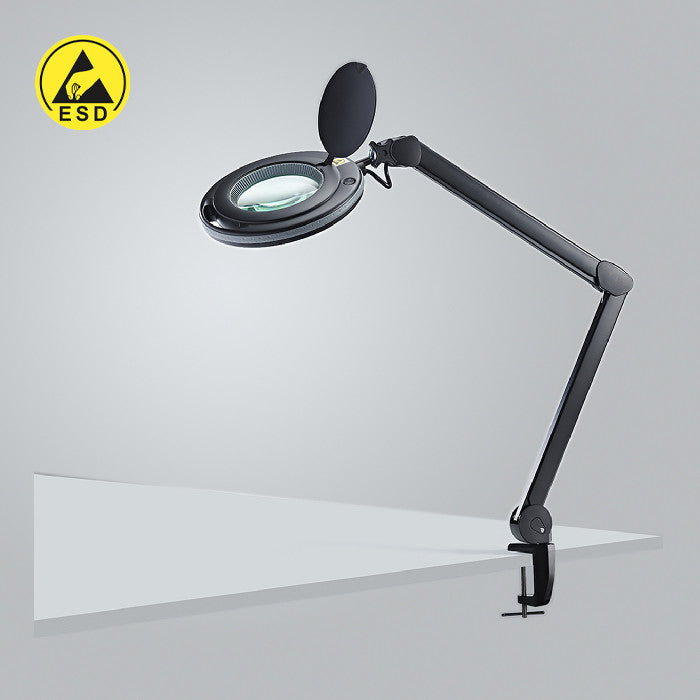
ESD is a leading cause of latent and immediate damage to semiconductors and is invisible to the naked eye. Voltages generated by ordinary movement and clothing can exceed 20,000 V, sufficient to destroy fine-geometry ICs, MOSFETs and sensitive analogue devices even through very brief contact.

  • Wear a calibrated ESD wrist strap connected to a common ground point at all times when handling PCBs.
  • Work on a grounded ESD mat; never place a bare PCB on an ordinary work surface.
  • Store and transport all PCBs in metallised ESD shielding bags or rigid ESD containers.
  • Avoid touching IC pins, SMD component leads, or connector contacts directly with fingers.

2.4Chemical & Environmental Hazards

ECB work can involve exposure to fluxes, solvents, leaking electrolyte from failed capacitors, and lead-based solder. Observe the following:

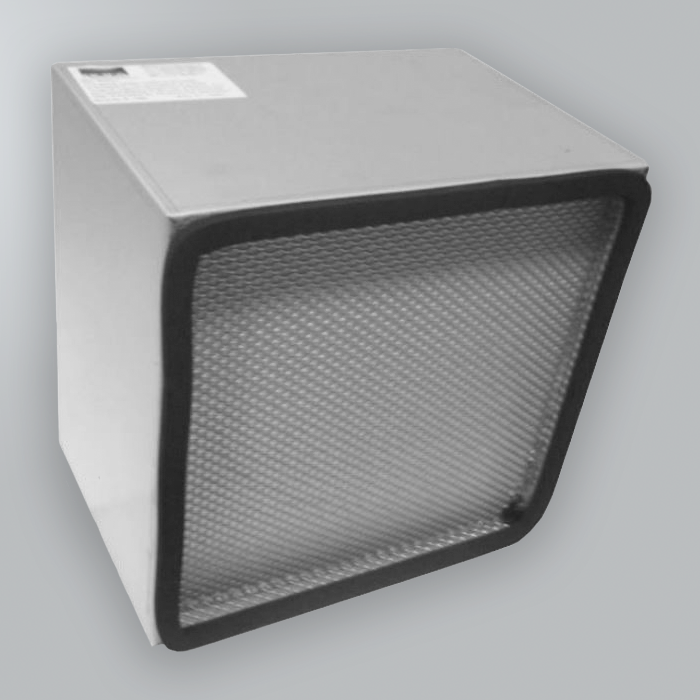
  • Use adequate ventilation or local exhaust extraction when soldering or using solvents.
  • Wear nitrile gloves when handling boards contaminated with capacitor electrolyte or corrosion.
  • Dispose of waste solder, used flux and contaminated materials in accordance with WEEE 2013.
  • Maintain a COSHH assessment for all chemical substances used in the workshop.
  • Wash hands thoroughly after handling PCBs, particularly if lead-based solder is present.

3.Test Equipment

Having the correct test equipment, and knowing how to use it properly, is fundamental to efficient ECB diagnosis. The table below summarises the key tools, their primary uses, and important limitations.

Instrument Primary uses Key limitations
Digital Multimeter (DMM) DC/AC voltage; resistance; continuity; diode test; capacitance (some models) Not suitable for signals above a few kHz; input impedance loads high-impedance nodes
Oscilloscope Signal waveforms; timing; noise; PWM; clock integrity; rise/fall times Probe ground lead introduces loop area, keep leads short; high-bandwidth probes required for fast signals
LCR Meter Capacitor ESR & value; inductor value; component screening In-circuit readings may be affected by parallel components — desolder one end before condemning a part
Logic Analyser Multi-channel digital capture; protocol decode (I²C, SPI, UART, parallel bus) Sampling rate must exceed 4–10× signal frequency for reliable capture
Thermal Camera / IR Thermometer Detecting hot spots under power, overloaded regulators, shorted components, dry joints Thermal camera gives best spatial resolution; IR thermometer is point-measurement only
Variable Bench PSU Controlled power-up; current-limiting to protect board; voltage margining Always set current limit before applying power to a suspect board
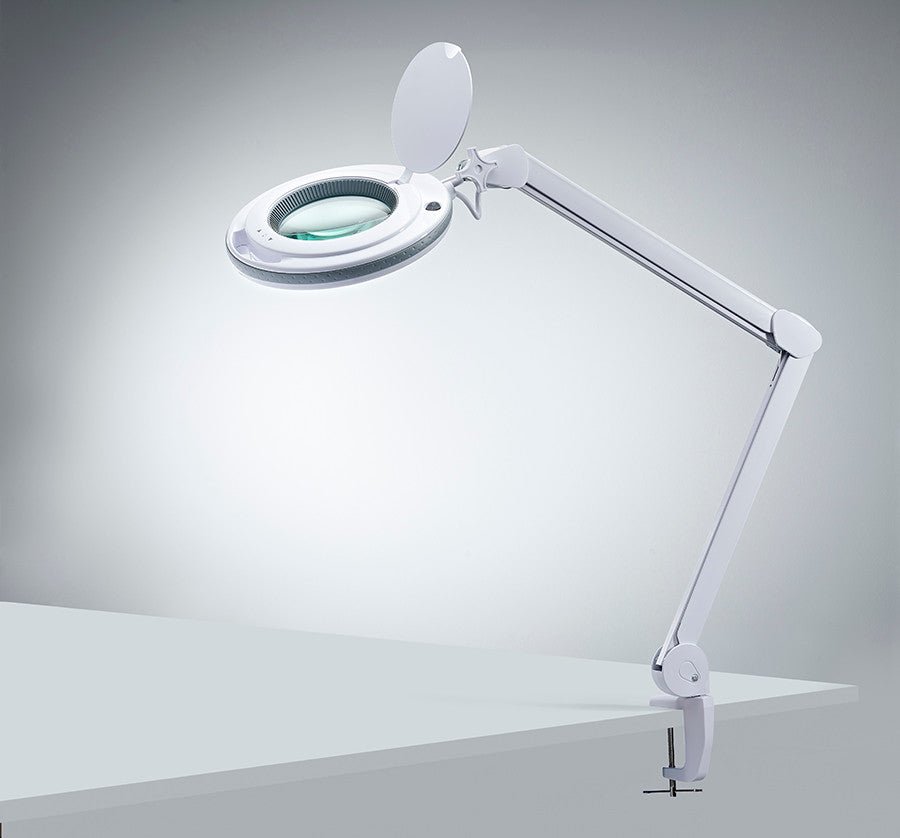
Magnification (loupe / stereo microscope) Inspection of fine-pitch solder joints, hairline cracks, SMD markings Stereo microscope preferred for rework; 10–40× magnification sufficient for most inspection

4.Systematic Fault Finding Process

Successful ECB fault finding depends on following a logical, structured process rather than replacing components at random. The recommended decision sequence is:

  1. Visual inspection — check for burns, damage, corrosion. If damage is visible, document and replace/repair.
  2. Check power supply — measure input voltage at the board. If the voltage is wrong, the fault is in the PSU or supply wiring.
  3. Component-level testing — measure resistance, continuity, capacitance. Replace any clearly-faulty component.
  4. Signal / logic testing — use an oscilloscope or logic analyser to verify clock, reset, and data signals.
  5. Repair, test and document — verify the fault is resolved, exercise all functions, and record findings.

Each stage is explained in detail in the sections that follow.

5.Information Gathering & Pre-Inspection

Before applying power or touching a probe to a board, gather as much background information as possible. A few minutes spent here can save hours of fruitless investigation.

5.1Document the Fault Symptom

Obtain a precise description of the fault from the operator or system log. Key questions include:

  • What is the board failing to do? (no output, incorrect output, intermittent failure, no power-up)
  • When did the fault first appear, suddenly or gradually?
  • Did anything precede the fault? (power surge, lightning, mechanical impact, fluid ingress, modification)
  • Is the fault permanent, intermittent, or temperature/load dependent?
  • Has any prior repair or modification been attempted?

5.2Obtain Documentation

Locate and review the following before starting:

  • Circuit schematic / wiring diagram — essential for understanding topology and expected signal levels.
  • PCB layout / assembly drawing — identifies component locations, reference designators, and test points.
  • Bill of Materials (BOM) — component specifications, tolerances and substitution data.
  • Service manual or application notes — often contain known failure modes and recommended test procedures.
  • Previous repair history — repeat failures on the same board are highly significant.

5.3Preliminary Risk Assessment

Before applying power, evaluate:

  • Maximum voltage present on the board and which areas are hazardous.
  • Whether the fault could be a dead short — use current-limited PSU.
  • Whether any components show signs of thermal damage, chemical leakage, or mechanical stress.
  • Whether the environment is suitable: ventilation, ESD precautions in place, workspace clear.

6.Visual Inspection

Visual inspection is always the first active step and frequently reveals the fault or points directly to the area of interest. Carry out inspection under good lighting with magnification. Work methodically across the board — do not simply look at the most obvious area first.

Common visual defects on electronic circuit boards: solder bridges, burnt components, lifted pads, corrosion, cracked traces, and bulging capacitors.

6.1What to Look For

Solder joint quality

  • Cold joints — dull, granular or uneven solder; a common cause of intermittent faults.
  • Solder bridges — a silver trail connecting adjacent pads or tracks; causes short circuits.
  • Insufficient solder — component lead visible through solder; poor wetting to pad.
  • Tombstoned SMD components — one end has lifted off its pad; open circuit on that side.

Component condition

  • Burnt or discoloured components — dark brown or black discolouration indicates thermal overload.
  • Bulging or leaking electrolytic capacitors — domed top, brown residue around the base; must be replaced.
  • Cracked or fractured components — particularly ceramic capacitors, which can crack silently under board flex.
  • Missing components — compare populated board against BOM and silkscreen.
  • Incorrectly orientated components — check polarity on diodes, electrolytic capacitors, ICs and tantalum capacitors.

PCB condition

  • Delamination or blistering of the PCB substrate indicates severe overheating.
  • Cracked or open copper traces — often caused by mechanical stress or vibration; check near mounting holes.
  • Lifted or damaged pads — common after poor desoldering or board flexing.
  • Corrosion or contamination — green/white deposits (flux residue, moisture ingress), dark staining.
  • Damaged vias — cracked barrel plating causes intermittent open circuits that are difficult to find electrically.

Connectors and wiring

  • Corroded, bent or missing connector pins.
  • Wires with damaged insulation, loose crimps, or incorrect routing.
  • Connectors that are not fully seated or have a damaged locking tab.

6.2Using Magnification Effectively

The naked eye is insufficient for inspecting fine-pitch SMD solder joints. For components with pitch below 0.8 mm, a stereo microscope or high-quality loupe (minimum 10×) is essential. Examine solder joints from multiple angles and use angled illumination to reveal solder bridges and surface contamination.

7.Power Supply Rail Verification

The majority of ECB faults are either power supply related or caused by a component failure that affects a power rail. Verifying all supply rails before proceeding to component testing is therefore critical.

7.1Identifying Power Rails

Refer to the schematic to identify all supply rails (e.g. +5 V, +3.3 V, +12 V, −12 V, VBAT). On the PCB, supply rails are typically accessible at:

  • Dedicated test points (labelled TP1, TP2 etc. on the silkscreen).
  • Decoupling capacitor pads — one pad is usually connected to the supply rail, one to ground.
  • Regulator input and output pins.
  • Power connector pins.

7.2Measurement Procedure

  1. Set DMM to DC voltage range, COM probe on PCB ground.
  2. Measure each supply rail and compare against the nominal voltage from schematic or service data.
  3. Acceptable tolerance is typically ±5% for logic supplies and ±10% for analogue supplies.
  4. Check for ripple by measuring AC voltage on each rail — typically less than 50 mV peak-to-peak.
  5. If a rail is missing or incorrect, trace back towards the source to identify where the fault originates.

7.3Common Power Supply Fault Patterns

Symptom Likely cause Recommended action
Rail completely absent Blown fuse; missing supply; failed regulator; dead short on rail Check fuse first; measure resistance to GND; check regulator output
Rail low (e.g. 3.1 V instead of 3.3 V) Regulator overloaded; faulty regulator; excessive capacitive load Check regulator temperature; measure load current; check bypass capacitors
Rail present but with excessive ripple Failing filter capacitors (high ESR); poor regulator Test capacitors with LCR meter (ESR); check for bulging; use oscilloscope
Rail collapses under load Regulator thermal shutdown; overloaded PSU; failing capacitors Check regulator heatsinking; measure current; power-cycle test
Negative supply missing or reversed Charge pump / inverter failure; diode orientation error Check inverter IC; verify capacitor polarity; check flying capacitors

8.Component-Level Testing

8.1General Principles

Component testing should be carried out with the board de-energised unless the test specifically requires power. In-circuit testing is faster but can give misleading results due to parallel paths — if a component reads outside specification in-circuit, desolder one end to isolate it before condemning it.

8.2Resistors

  • Set DMM to resistance (Ω). Probe across the resistor with board powered off and capacitors discharged.
  • Compare reading against marked value — use colour code or DMM reference as appropriate.
  • A reading of 0 Ω indicates a short circuit or parallel low-resistance path in-circuit.
  • A reading of OL (overload/open) indicates an open-circuit resistor — very common under overload.
  • Power resistors: check for discolouration or cracking, a physical sign of overheating.

8.3Capacitors

  • Electrolytic capacitors: visually check for bulging, leaking or damaged vent. Use DMM capacitance mode to check value.
  • Measure ESR with an LCR meter — high ESR is a primary failure mode causing ripple and regulation problems. Compare against the part's datasheet value (small ceramics < 0.1 Ω, electrolytics typically 0.05–1 Ω depending on size).
  • Ceramic capacitors: can crack silently under mechanical stress. Compare capacitance against expected value with LCR meter.
  • Tantalum capacitors: use DMM diode test mode. A good tantalum shows one-way conduction; a shorted one reads 0 Ω in both directions.

8.4Diodes & Rectifiers

  • Use DMM diode test mode (symbol: ►|).
  • Forward biased: 0.55–0.7 V for silicon, 0.2–0.4 V for Schottky, approximately 1.7–2.0 V for LEDs.
  • Reverse biased (probes reversed): reading should be OL for a good diode.
  • 0 Ω in both directions = shorted diode; OL in both directions = open diode.

8.5Transistors (BJT & MOSFET)

Bipolar Junction Transistors (BJT)

  • Use DMM diode test: treat the BJT as two back-to-back diodes — test BE and BC junctions in forward and reverse.
  • A reading of 0 Ω between collector and emitter (base open) indicates a shorted transistor — replace.
  • OL in all directions indicates an open transistor — replace.

MOSFETs

  • Measure gate-to-source resistance: should be very high (MΩ range) with no charge on gate.
  • Drain-source: use diode test mode to verify the body diode (source to drain for N-channel).
  • Fully shorted drain-source in both directions indicates a failed MOSFET — common failure under overvoltage.
  • To verify switching, apply a controlled gate voltage and watch drain-source resistance drop sharply. Match the gate voltage to the part: standard-threshold parts need 4–5 V, logic-level parts switch at 1.8–2.5 V — always check Vgs(th) on the datasheet first.

8.6Integrated Circuits (ICs)

  • Power pins: confirm correct supply voltage is reaching VCC / VDD pins and GND pins are connected to ground plane.
  • Quiescent current: if total current is much higher than specified, one IC may be damaged — use thermal camera to identify it.
  • Logic level inputs: ensure inputs are within valid logic levels for the IC family (for 3.3 V CMOS: logic low <0.8 V, high >2.0 V). Inputs at mid-rail indicate floating or open inputs.
  • Output voltages: measure logic outputs and compare expected levels under load and no-load conditions.

9.Signal & Logic Testing

9.1Oscilloscope Measurement Technique

The oscilloscope is the most powerful tool for ECB diagnosis beyond simple power and continuity checks. Correct technique is essential:

  • Select the correct probe attenuation (typically 10:1) and ensure the oscilloscope input is set to match.
  • Attach the probe ground clip to the nearest available PCB ground point to minimise ground-loop area.
  • Set timebase and volts/division to display at least 2–3 complete cycles of the signal.
  • Use the trigger to stabilise the waveform; select appropriate trigger source and slope.
  • Measure: amplitude (Vpp), frequency, duty cycle, rise/fall times, and check for overshoot or ringing.

9.2Signal Tracing

Signal tracing is the systematic technique of following a signal from its source to its destination, checking at each stage that the signal is present, correctly shaped, and at the correct level.

  • Start at the known input signal source and confirm the signal is present and correct.
  • Follow the signal through each stage: amplifiers, filters, logic gates, buffers and line drivers.
  • At each stage, compare the measured output against the expected output from the schematic.
  • A stage where the output is incorrect while the input is correct localises the fault to that stage.
  • A signal present at one test point but missing at the next indicates an open connection between those points.

9.3Logic State Verification

  • Reset/enable signals: confirm that reset and enable pins are in their correct state. A stuck reset is a very common cause of an apparently dead digital circuit.
  • Clock signals: confirm the clock is present, at the correct frequency, and has clean transitions.
  • Data bus and address bus: use a logic analyser to capture and decode I²C, SPI, UART, or parallel bus activity.
  • Interrupt lines: confirm interrupt signals reach the processor and are acknowledged within the expected time.

9.4Analogue Signal Checking

  • Reference voltages: measure all reference pins and compare against specification.
  • Op-amp outputs: an output stuck at the supply rail indicates saturation (check input levels and feedback network) — but may also indicate a blown output stage.
  • Filter response: use a signal generator and oscilloscope to check cut-off frequency and roll-off.
  • ADC input signals: verify signals are within the permitted input range and do not exceed input voltage limits.

10.Thermal Diagnosis Techniques

Thermal analysis is a rapid and non-invasive method for identifying components that are dissipating unusual amounts of power — a strong indicator of a short circuit, overload, or component failure.

10.1Thermal Camera Inspection

A thermal (infrared) camera provides a heat map of the entire board surface in real time. Apply power (ideally current-limited) and observe:

  • Hot spots significantly warmer than surrounding components — excessive current draw.
  • Areas that fail to warm up when they should — component not receiving power or not conducting.
  • Unusual heat distribution in a voltage regulator — possible thermal shutdown or approaching failure.

10.2Freeze Spray & Heat Gun Techniques

For intermittent faults that are temperature-dependent, controlled thermal cycling can isolate the problem:

  • Freeze spray: applying briefly to a suspect area can temporarily restore a marginal connection, confirming its role in the fault.
  • Heat gun (low setting): gently warming an area can reproduce a fault that disappears when cold — useful for identifying borderline solder joints.
  • Work systematically: cool or heat one area at a time and observe the effect on the fault symptom.

11.Diagnosing Intermittent Faults

Intermittent faults are the most challenging to diagnose because the fault is not present during measurement. The following strategies improve the chances of localisation:

11.1Replication Techniques

  • Thermal cycling: use freeze spray and heat gun as above.
  • Mechanical stress: gently flex the PCB, press on suspected areas with a non-conductive rod, or vibrate the board. Reveals broken traces, cracked vias, cold joints, and poorly seated connectors.
  • Load variation: systematically increase and decrease the load while monitoring the fault symptom.
  • Supply voltage margining: adjust the supply voltage slightly above and below nominal to stress marginal components.

11.2Data Logging & Extended Monitoring

Where the fault occurs infrequently, set up the oscilloscope in single-trigger or roll mode to capture the fault event. Log supply rail voltages, critical signals, or system outputs over an extended period. Some modern oscilloscopes support mask testing, which automatically triggers when a waveform violates pre-defined limits.

11.3Cold Solder Joint Identification

  • Visual inspection under magnification and angled lighting — look for granular, dull, or fractured fillet appearance.
  • Resistance measurement between component lead and copper pad — a cold joint may show a few ohms rather than milliohms.
  • Gentle manipulation of the component while monitoring continuity in beep mode — a fluctuating beep indicates a cold joint.

12.Repair, Remediation & Verification

12.1Repair Principles

  • Only replace a component when there is evidence it is faulty. Replacing parts speculatively is wasteful and risks new problems.
  • Always identify and address the root cause before replacing a component. A blown fuse or failed transistor is often a symptom, not the cause.
  • Use components that meet or exceed the original specification — substitutions with lower ratings can cause immediate or premature re-failure.
  • Use appropriate soldering equipment: temperature-controlled station, correct tip size, quality solder, and flux.

12.2Common Repair Procedures

For full step-by-step soldering, desoldering, track-repair, pad-repair and via-repair procedures, see the companion ECB Repair & Rework Guide. Typical iron temperatures: 320–360 °C for Sn-Pb solder, 340–380 °C for SAC305 lead-free. Limit dwell time at the joint to 2–3 seconds wherever possible.

12.3Post-Repair Verification

  1. Visual inspection of all work — no solder bridges, missing joints, or collateral damage.
  2. Confirm correct component orientation (polarity, pin 1, marking).
  3. Measure supply rail resistance to ground before applying power — confirm no short circuits.
  4. Power up with a current-limited bench PSU; confirm all supply rails reach correct voltage.
  5. Verify the original fault symptom is resolved.
  6. Functional test — exercise all functions of the board, not just the area repaired.
  7. Thermal check — confirm no component is running abnormally hot after repair.

13.Documentation & Record Keeping

Thorough documentation is a professional and often regulatory requirement. It enables future technicians to understand the repair history, supports failure analysis, and provides evidence of work carried out.

13.1What to Record

  • Board identification: part number, serial number, PCB revision, firmware version.
  • Fault description: as reported and as found.
  • Test results: all measurements taken, instruments used, and calibration status.
  • Components replaced: reference designator, original and replacement part numbers, manufacturer, lot/date code.
  • Repair actions: all work carried out, including reflowed joints, cleaned areas, re-applied coatings.
  • Post-repair test results: confirmation of correct operation and functional test pass/fail.
  • Technician name, date and time.

13.2Photographs

Photograph the board before starting work (as-found condition), any visible defects, removed components, and the completed repair. Photographs are invaluable if a dispute arises or a repeat failure occurs.

13.3Reporting Obligations (UK)

  • RIDDOR 2013 — any electrical accident resulting in injury, or any dangerous occurrence (electrical fire, arc flash) must be reported to the HSE via the RIDDOR online portal.
  • Near misses — UK best practice (and many employer safety management systems) require near-miss events to be recorded and investigated, even where no injury or damage occurred.
  • Equipment failures causing safety hazards — where a fault-finding activity reveals a product presents a safety risk, this may need to be reported to the manufacturer and to the Office for Product Safety and Standards.

13.4Failure Analysis & Trend Monitoring

Where the same fault pattern recurs on multiple boards, or where the same board fails repeatedly, escalate to a formal failure analysis process. Common root causes of recurring failures include: design margin issues, incorrect component specification, manufacturing process defects, application misuse, or environmental factors. Document failure trends and report to the design or quality function as appropriate.